


Remote work removed the office
The desk next to you, the lunch line, the hallway. The ambient network that used to form on its own is gone.
Virtual Office is Multiwork’s virtual coworking space. Work alongside founders, operators, and AI builders, drop in on conversations, and turn the people at the next desk into real relationships.
Already a member? Open Coworking
$49/month
Community and coworking in one membership
0 min
Commute. Open your laptop and you're in the office
1 click
To drop in on a conversation or knock on a door
100+
Seats in the Theater for workshops and demo days
Why a virtual office
It was about the people you ran into. Remote work gave everyone their time back, and quietly took the network away.
The desk next to you, the lunch line, the hallway. The ambient network that used to form on its own is gone.
Every chat needs a link and a 30-minute slot, so the quick question and the chance meeting never happen.
Founders, operators, and people between roles need peers to think out loud with, not another feed to scroll.
Virtual Office puts the people back. Not a meeting tool. A place to belong.
Inside the office
A shared floor for the whole Multiwork community, with rooms to focus, rooms to talk, and a stage for live programming.
The office
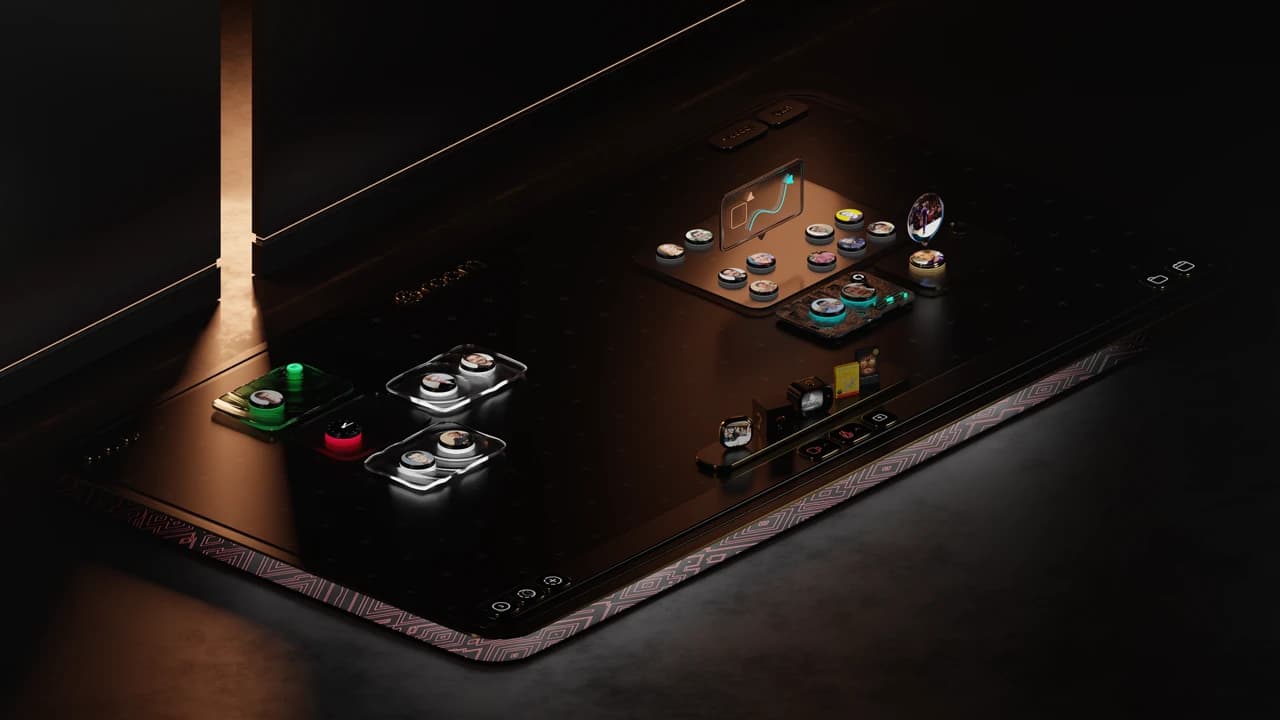
A live map of the whole office. See who's heads-down, who's meeting, and who's free to talk. Click anyone to chat, or take an empty seat in a room to join the conversation.

Drop-in meetings
Knock on someone's office to start an audio drop-in. If they're free, they let you in. No links, no calendar invites. Jump into a meeting room for video, screenshare, and whiteboard when you need it.
Theater
Multiple programming happens on stage. Sit in rows and whisper to the person next to you, step up to the Q&A mic, or head backstage to meet the speaker after.

AI meeting notes
Turn on Magic Minutes and everyone in the room gets a transcript and AI summary in a shared chat. Ask it questions, catch up if you're late, and keep the follow-ups moving.
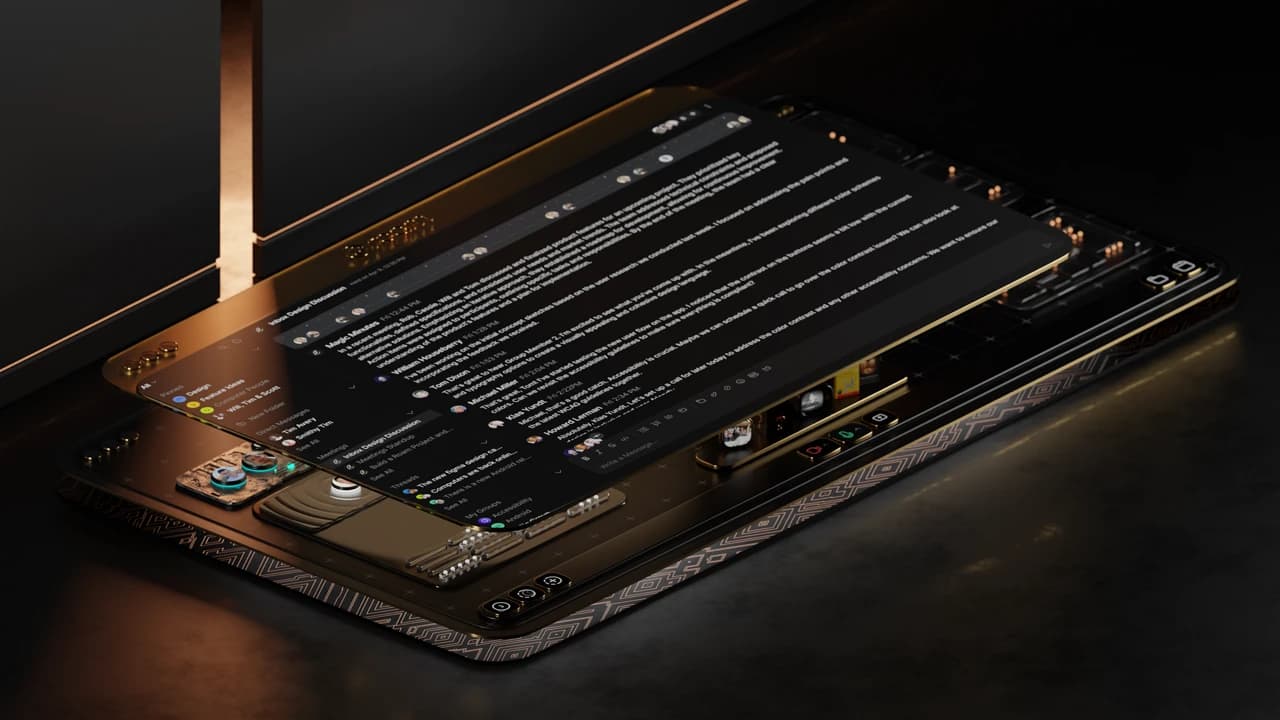
Direct messages, group chats, and threads with every member. Pin, bookmark, and search your whole history.
An assistant that can schedule, follow up, and tell you when someone you want to meet walks into the office.
Share your own booking link so guests can schedule time or drop in when you're available.
Record a demo or an update with your camera picture-in-picture and share it with a link.
Decorate your office with the books, music, and projects you want people to ask you about.
Desktop apps plus iOS and Android, so you can take a drop-in from anywhere.
How it works
Minimal setup. Maximum serendipity.
Pick the membership and tell Multi AI what you're working on and who you want to meet.
We send your invite. Set up your private office, your shelf, and your status.
Cowork in the open rooms, knock on a door, or grab a seat at Office Hours and Workshops.
The people you see every day become the people you build with, hire, and introduce.
Membership
Virtual Office is part of Multiwork membership. For $49/month you get the office, the programming, and the whole Multiwork network behind it.
| Compare | In-person coworking | Virtual Office |
|---|---|---|
| Where | One building, one city | Anywhere with a laptop |
| Commute | Every day | None |
| Who you meet | Whoever shows up that day | A curated network across cities |
| Introductions | Up to you | Multi AI suggests who to meet |
| Price | Hundreds a month | $49/month, community included |
$49/ month
Multiwork membership, Virtual Office included.
The software
Virtual Office runs on Roam, the virtual office platform trusted by remote teams everywhere. Multiwork brings the members, the programming, and the introductions.
FAQ
Join Multiwork for $49/month and get Virtual Office, the community, and a network of builders who actually show up.